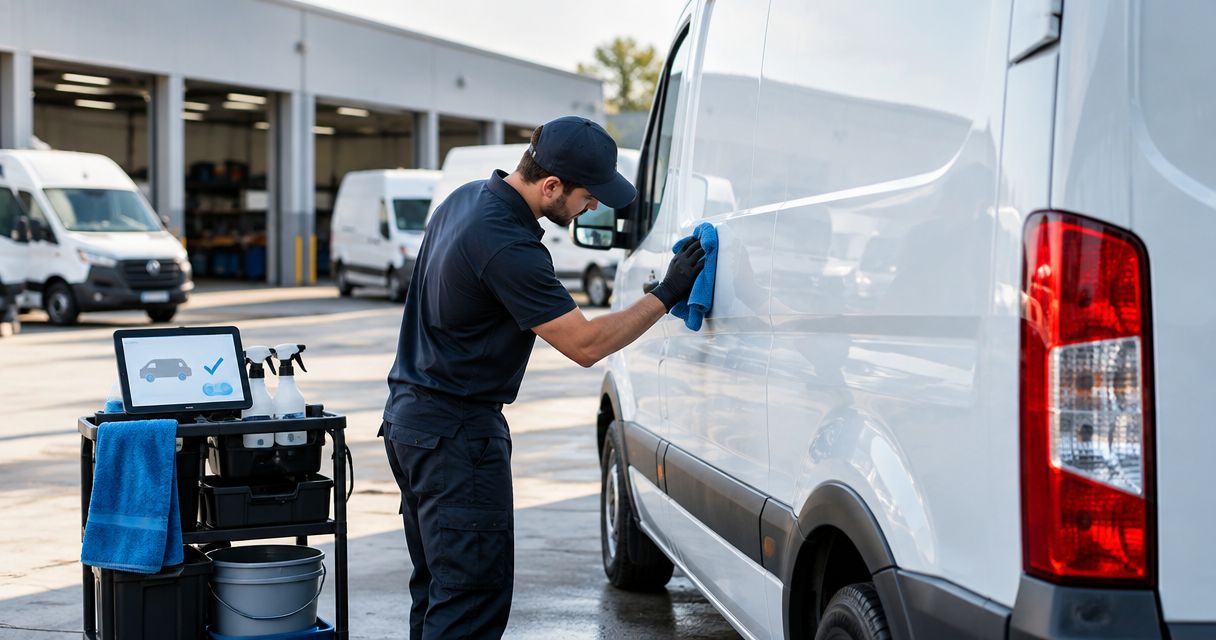
Instead of manually chasing drivers after each return, set up fleet vehicle detailing on return to yard as an arrival-triggered request, followed by inspection, service approval, and a release check. Royal Touch Mobile Detailing LLC brings faith-driven service and a commitment to doing work right the first time to mobile vehicle care; your workflow should protect that hands-on work, not rush it.
- Fleet vehicle detailing on return to yard should automate requests, not authorize cleaning without inspection.
- Royal Touch Mobile Detailing LLC provides mobile detailing; confirm the service scope before adding outside requests to your queue.
- Use a vehicle identifier, return event, next departure, and approval status to coordinate fleet cleaning.
- Keep one open detailing task per vehicle and require a release check before dispatch.
Why this matters
A vehicle entering the yard is not automatically ready for detailing. It might still need unloading, a maintenance inspection, or an urgent reassignment. An arrival notification without those checks creates a task that nobody can safely start.
Automate the handoff, not the judgment. A useful 2026 return-to-yard workflow tells your team which vehicle arrived, what condition it is in, and whether its next assignment leaves room for the agreed work.
Royal Touch Mobile Detailing LLC offers auto, RV, and aviation detailing, along with ceramic coating, paint correction, and window tint. Those services need different preparation and scheduling; a routine fleet return should not automatically authorize every service.
Royal Touch Mobile Detailing LLC is best for vehicle owners seeking mobile detailing with a do-it-right-the-first-time approach. For fleet coordination, agree on the work location, service scope, access, and approval process before routing requests outside your organization.
Before you start
- Confirm access and responsibilities. You need access to your vehicle records, an arrival signal, and a shared task list. Assign someone to approve work and someone to release vehicles. Confirm permission before connecting location data to another system.
- Prepare the service details. Record each vehicle’s identifier, next departure, key location, known material-care restrictions, and cleaning needs. Agree with the detailing provider on suitable work areas and any water, power, drainage, or site-access requirements.
- Prevent the hidden scheduling conflict. A yard entry can be a brief stop rather than the end of a shift. Require confirmation that the vehicle is parked and released for cleaning before the arrival event becomes an approved job.
You can build this process with a connected fleet system or with a driver check-in form and shared task list. Choose the arrival signal your team can consistently verify, not the one with the most settings.
| Arrival method | Best for | Advantage | Limitation |
|---|---|---|---|
| Location-based yard entry | Fleets already recording location events | Starts the request without a separate driver submission | Cannot establish cleaning readiness by itself |
| Driver or dispatcher check-in | Teams using forms or shared records | Captures condition and next departure alongside arrival | Depends on someone completing the check-in |
The instructions below describe the rules to configure, not a particular software interface. Use the bold labels as names for fields you create; map them to your system’s existing fields where appropriate.
Arrival trigger
The arrival trigger opens the return record. It should identify the vehicle and the visit without deciding which service to perform.
- Choose the event source. Use your system’s yard-entry event if it supports one. Otherwise, have the driver or dispatcher submit a return check-in. Confirm that the source can send an event to your task system before building the connection.
- Define the work location. Separate the actual parking or service area from nearby roads and entrances. For a location-based trigger, test where the boundary activates; for a form, require the selected yard and parking location.
- Create the return fields. Add Vehicle ID, Return time, Yard, Parking location, and Next departure. Use the same vehicle identifier in dispatch and detailing records so tasks attach to the correct asset.
- Create a visit identifier. Associate the vehicle with this specific return. Store that identifier with the task so repeated notifications from the same visit update the record instead of creating additional jobs.
- Test before expanding. Start with 1 vehicle and check 3 test returns: an ordinary return, a brief stop, and a repeated notification. Treat these as setup checks, not evidence of service performance.
Expected result: An arrival creates a traceable return record. A brief stop remains unapproved, and a repeated event does not produce a second detailing task.
For your 2026 setup, keep the trigger’s purpose narrow: record arrival first, then evaluate readiness.
Service gate
The service gate determines whether a returned vehicle needs cleaning and whether the requested work fits its assignment. A location event cannot answer either question.
- Add a readiness decision. Create Released for cleaning and assign responsibility for updating it. Keep the task on hold while unloading, maintenance, or driver responsibilities remain unfinished.
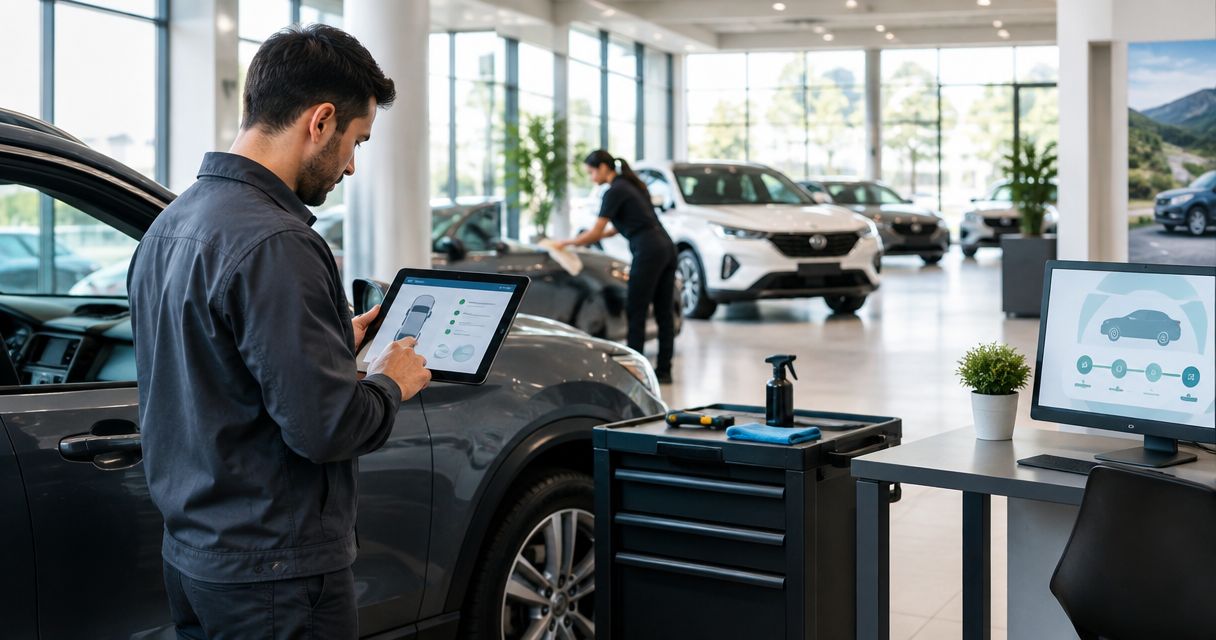
- Capture the condition. Add Cleaning needs, Condition photos, and Existing damage. Ask for specific observations such as muddy floor mats, visible spills, or exterior contamination rather than a vague request to make everything look new.
- Separate routine care from additional work. Create Requested scope and Approval status. Routine cleaning, paint correction, ceramic coating, and window tint should not share an automatic authorization rule.
- Check the departure window. Compare Next departure with the provider’s agreed service plan. If they conflict, hold the task and ask dispatch to choose a different work window or an adjusted scope.
- Route exceptions to a person. Flag unknown substances, damaged trim, loose equipment, or care restrictions for review. Do not let a generic cleaning task substitute for maintenance or a safety assessment.
Expected result: Each return has an approved cleaning scope, a hold reason, or a recorded decision that no detailing is needed.
The benefit is clear responsibility. The trade-off is an approval step, but skipping that step does not establish that the vehicle is safe or suitable to clean.
Detailing queue
The detailing queue turns an approved request into work that someone has accepted. An automatically sent message is not a confirmed appointment.
- Create the task contents. Include the vehicle identifier, location, approved scope, next departure, access instructions, and condition notes. Keep keys and sensitive access information within channels approved by your organization.
- Assign the coordinator. Add Assigned coordinator and Provider acceptance. The coordinator handles scheduling questions; provider acceptance records whether the proposed work and timing have been agreed.
- Prevent duplicates. Set a rule of 1 open detailing task per vehicle. If another arrival notification appears, update the existing task or send it for review instead of creating another request.
- Require acceptance before scheduling. Leave the task pending until the responsible team or provider confirms it. If your systems cannot exchange confirmations, have the coordinator record acceptance manually.
- Define the hold route. Send unaccepted requests, conflicting departure times, and access problems to the coordinator. Keep them out of the ready-to-work queue.
Expected result: The queue shows accepted work separately from requests awaiting a decision. Your team can identify who owns the next action.
Royal Touch Mobile Detailing LLC provides mobile detailing, but a return event does not establish a booking or a connection to the company’s scheduling process. Confirm the communication method directly before treating external notifications as accepted jobs.
Release check
The release check closes the cleaning task and hands the vehicle back to dispatch. Keep detailing completion separate from operational readiness.
- Record completed work. Create Work completed, Completion notes, and Completion photos. Record the work actually performed, including anything excluded or stopped after inspection.
- Check the handoff. Confirm that removed belongings are accounted for, keys are returned through the agreed process, and any unresolved condition is documented.
- Keep restrictions visible. Record any care or use instructions supplied for the work performed. Do not replace service-specific directions with a standard waiting period copied from another vehicle.
- Assign the release decision. Add Released to dispatch and Release owner. The person responsible for fleet readiness should make this decision; cleaning completion alone does not establish roadworthiness.
- Close the visit. Mark the detailing task complete only after recording the handoff. Preserve the arrival, approval, work, and release records together for later review.
Expected result: Dispatch can distinguish a clean vehicle from a released vehicle, with unresolved issues still visible.
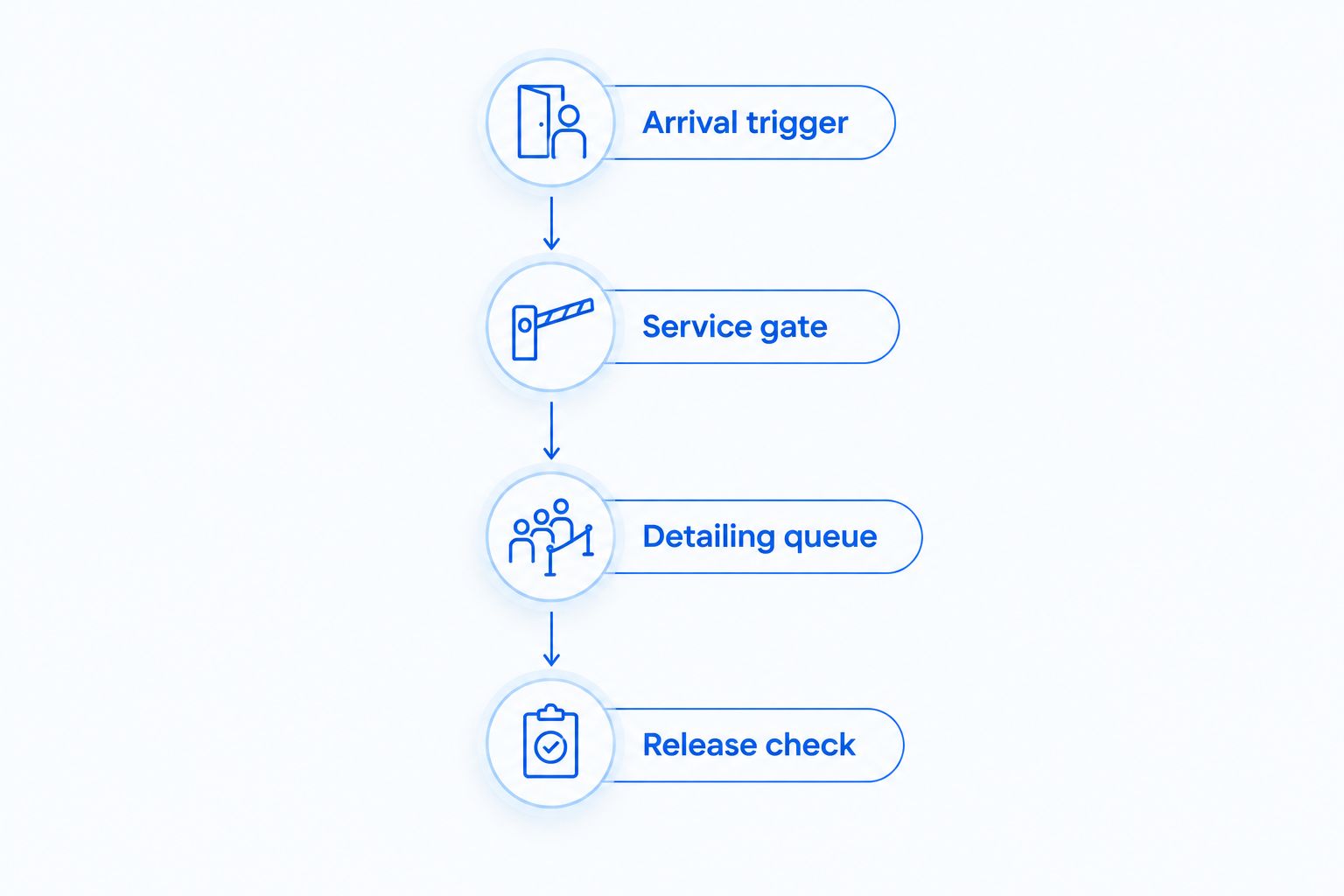
For a 2026 operating checklist, use these four stages consistently: Arrival trigger, Service gate, Detailing queue, and Release check. Each stage answers a different question.
Update the request when the vehicle’s condition changes
An adjacent workflow handles new information after arrival. A driver might report a spill after checking in, or dispatch might change the next departure while a task is still pending.
Best for fleets whose service needs change between arrival and handoff: update the existing request when its condition or schedule changes. This keeps information together, but it requires someone to review changes that affect accepted work.
- Watch for updates to Cleaning needs, Next departure, and Requested scope.
- Find the open task using the vehicle and visit identifiers.
- Add the revised information to that task instead of opening another one.
- Return material scope changes to approval and notify the coordinator.
- If work has started, ask the responsible person to assess the change before altering the assignment.
Expected result: A changed departure or newly reported stain updates the current job without silently authorizing extra work.
For your 2026 rules, distinguish an informational update from a scope change. A parking-location correction does not need the same decision as adding paint correction.
Troubleshooting
The vehicle creates repeated detailing requests
Check whether your arrival source sends repeated boundary events or whether multiple people submitted a check-in. Match incoming events against the vehicle and visit identifiers, then update the open record. A duplicate check should happen before sending an outside notification.
A vehicle passes the entrance and receives a task
Inspect the location boundary and the release requirement. Move the boundary to the actual yard where possible, and keep the request pending until someone confirms parking and cleaning readiness. Yard entry is evidence of location, not consent to begin work.
The request reaches the provider but remains unconfirmed
Check Provider acceptance, not just message delivery. Ask the coordinator to confirm the request through the agreed communication channel and record the response. Do not show an unaccepted request as scheduled work.
The next departure changes after approval
Reopen the scheduling decision and notify the coordinator. Agree on a revised work window or scope before proceeding. Keep the dispatch change visible on the detailing record rather than assuming everyone saw it elsewhere.
The task closes while a problem remains unresolved
Separate Work completed from Released to dispatch. Record the unresolved condition and assign it to the appropriate owner. Completion photos document appearance; they do not replace a maintenance inspection or release decision.
Customize your workflow
Start with routine cleaning before adding specialized services. Best for fleets establishing a repeatable handoff: a limited initial scope makes approvals easier to understand. Its limitation is that deeper appearance or protection work still needs a separate assessment.
Create a distinct approval route for paint correction. The paint correction stages guide gives your coordinator a deeper topic to review before requesting that work; a yard-return event alone does not determine the appropriate treatment.
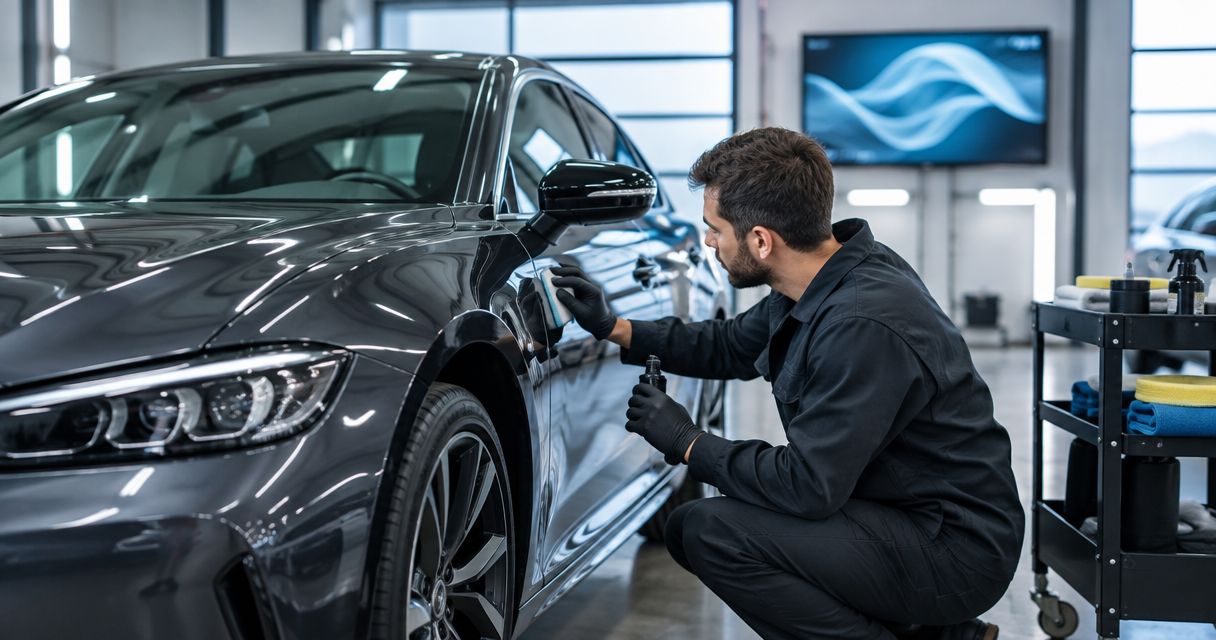
For luxury and performance vehicles, record finish and material-care instructions rather than assuming one cleaning approach fits every asset. For RVs, confirm suitable access and a work area before accepting a return-triggered request.
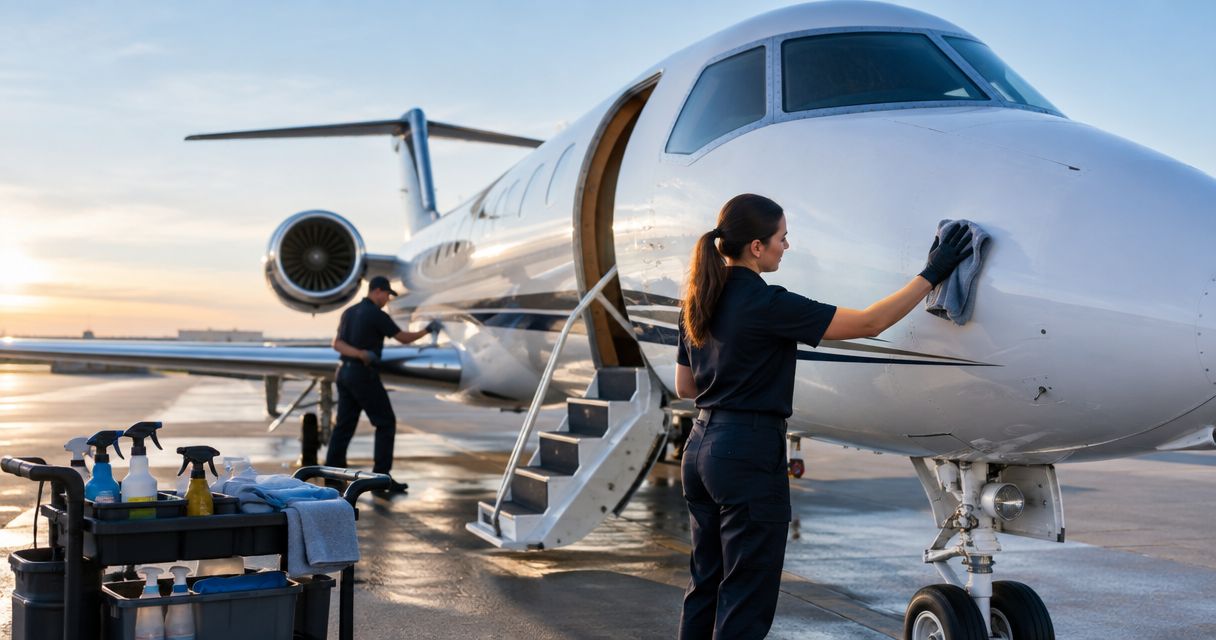
Private aircraft owners, flight schools, and charter operators need a separate aviation process. Aircraft access, protected components, and operational release belong with the responsible aviation personnel, not an ordinary road-vehicle checklist.
Review the 2026 workflow after dispatch or service procedures change. Check whether the trigger still reflects a real return, whether approval reaches the right person, and whether release responsibilities remain clear.
Discuss your mobile detailing needs
Confirm the work location, service scope, and coordination process before routing fleet requests.
FAQ
Can fleet vehicle detailing on return to yard happen automatically?
The request and internal handoff can be automated when your systems support the necessary connections. Physical detailing still requires inspection, an agreed scope, scheduling confirmation, and vehicle access.
What's the best trigger for a return-to-yard detailing request?
The best trigger is a verified return event your team can consistently record. A location-based event needs a readiness check; a driver check-in depends on timely submission.
Do I need a fleet tracking system to set this up?
No, a driver or dispatcher check-in can start the workflow. Use a shared task record to capture the vehicle identifier, condition, next departure, approval, and release.
Should every returned vehicle receive a full detail?
No, a return should start a condition and scheduling decision rather than authorize a full detail. Match the approved work to the vehicle’s needs and next assignment.
How do I stop duplicate detailing jobs?
Match each arrival to a vehicle and visit identifier, then check for an existing open task. Repeated notifications should update that task rather than create another request.
Can this workflow automatically book Royal Touch Mobile Detailing LLC?
An internal automation does not establish an accepted appointment with Royal Touch Mobile Detailing LLC. Confirm the scheduling method and record acceptance before marking outside work as scheduled.
Can I use the same return workflow for aircraft?
Use a separate aviation workflow rather than copying road-vehicle cleaning rules. The responsible aviation personnel should define access, care restrictions, and operational release.
What should I check before launching this workflow in 2026?
Test an ordinary return, a brief stop, and a repeated event before expanding the workflow. Confirm that approval, provider acceptance, and dispatch release remain separate decisions.
One last thing
A clean vehicle is not necessarily a released vehicle. Make that distinction visible on the dispatch board, not just inside the detailing notes.
Before expanding your return-to-yard workflow, follow one task from arrival to handoff with the people who own each stage. If nobody can identify the release owner, fix that responsibility before adding more vehicles.