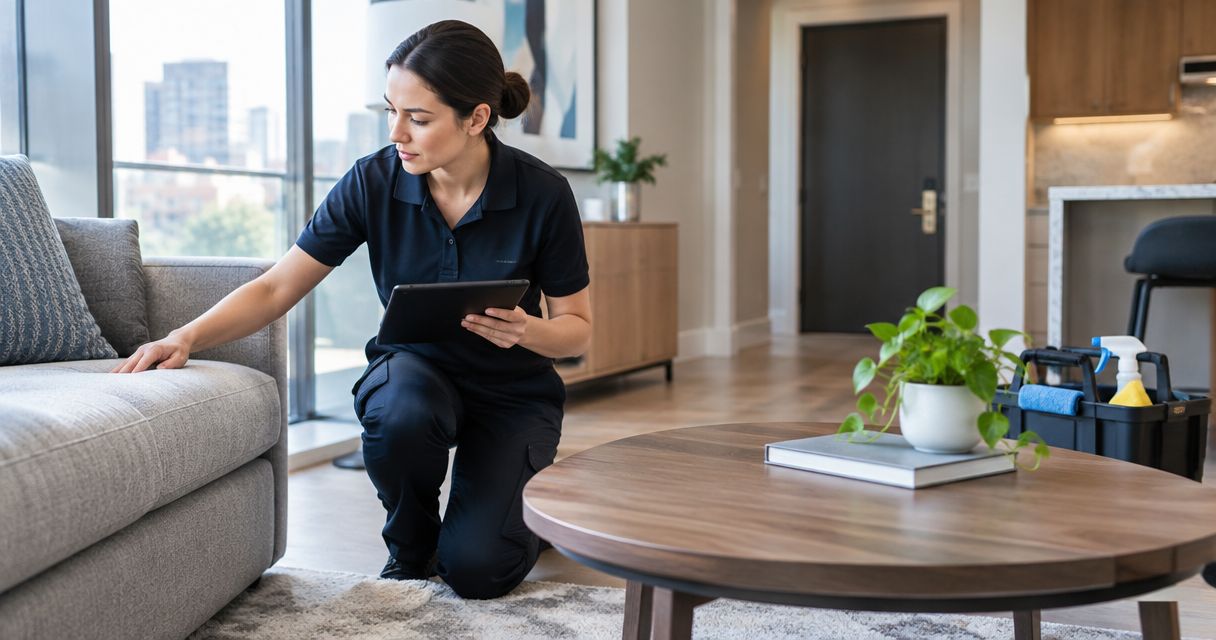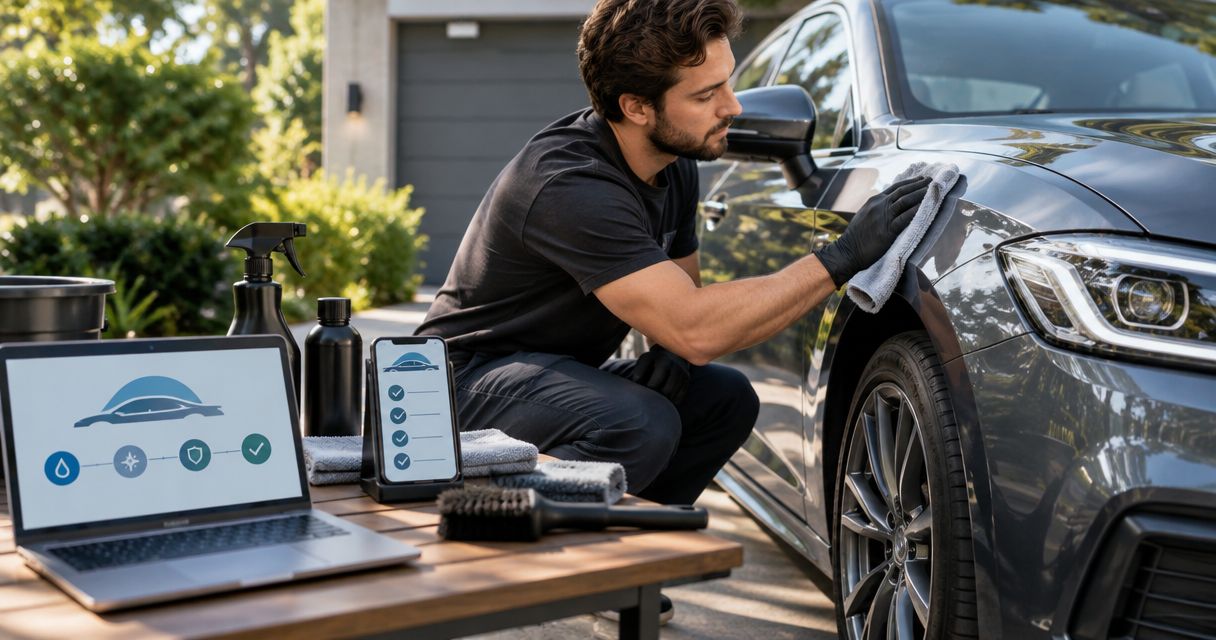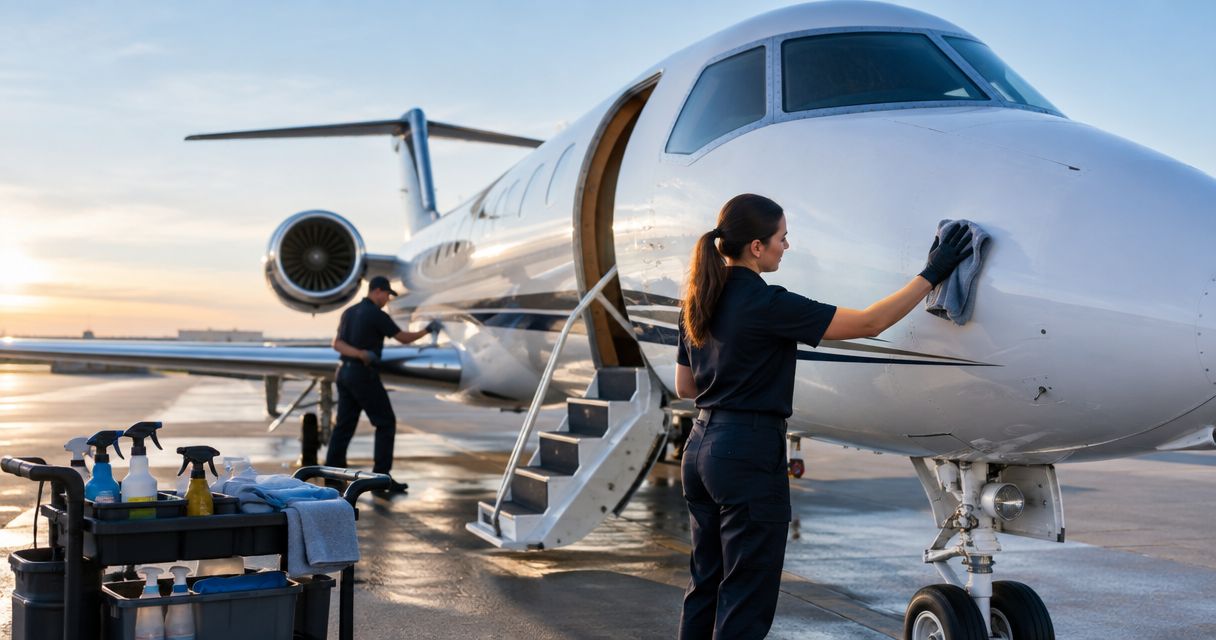
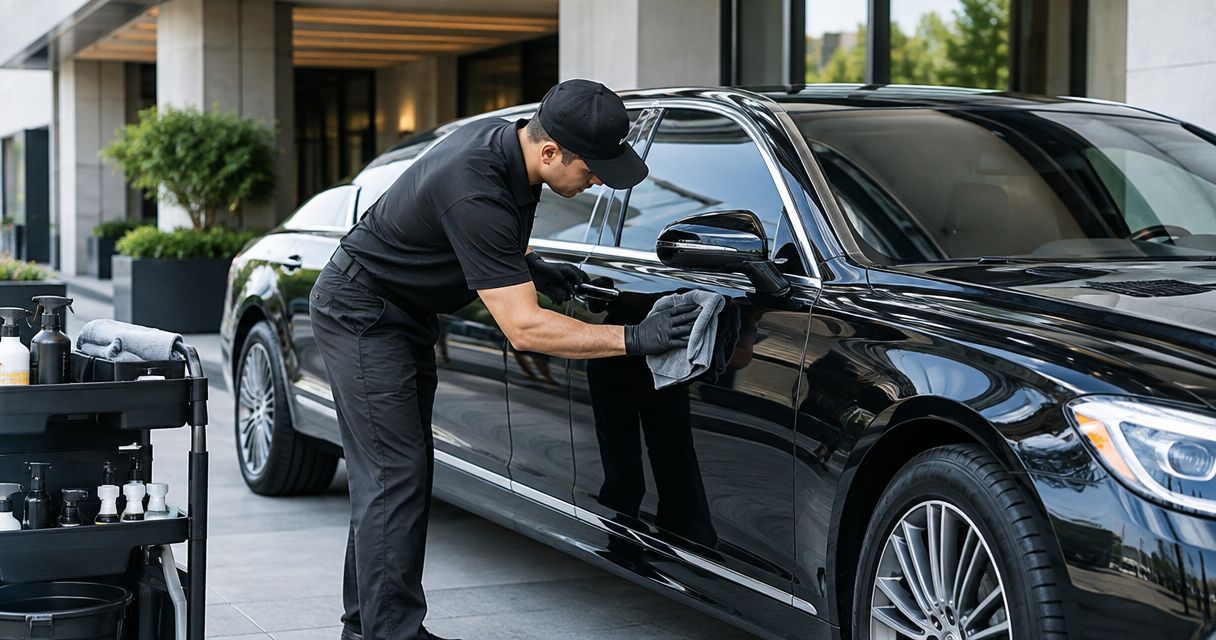
Instead of manually chasing cleaning updates after every drop-off, set up limo detailing between reservations so each returned vehicle creates a cleaning task and stays on hold until someone checks it. Royal Touch Mobile Detailing LLC brings faith-driven service, experience with premium vehicles and aircraft, and a commitment to doing work right the first time; this guide explains how to coordinate that care without confusing an automated task with a finished detail.
- Limo detailing between reservations needs a return trigger, a cleaning assignment, and a human release check.
- Royal Touch Mobile Detailing LLC offers mobile vehicle detailing; arrange the service scope before building your dispatch workflow.
- Use reservation changes to update existing cleaning tasks, not create duplicate assignments.
- Keep deep cleaning, paint correction, and ceramic coating separate from a tight passenger turnaround.
Why this matters
Automate the handoff, not the cleaning or the release decision. A reservation ending does not establish that the limo has returned, that its interior is clean, or that the next chauffeur can collect it.
For your 2026 operating plan, treat detailing as a dispatch dependency rather than an informal reminder. The cleaning task needs an owner, a location, and a deadline tied to the next pickup. Dispatch needs a clear answer when the vehicle is not ready.
Royal Touch Mobile Detailing LLC is best for owners seeking mobile vehicle detailing rather than reservation-management software. Discuss the required work with Royal Touch Mobile Detailing LLC before connecting your internal task process to a professional service appointment. A task in your system is not a confirmed appointment.
Before you start
- Access and responsibility: Have access to your reservation schedule, vehicle assignments, and a task system that supports rules or automations. Name the dispatcher who can hold or release a vehicle and the person who owns cleaning coordination.
- Cleaning materials and service scope: Prepare the approved materials for your fleet's interior surfaces, a written inspection checklist, and the detailing provider's agreed scope. Confirm the work location and access requirements before scheduling mobile service.
- The non-obvious gotcha: A trip's scheduled end is not its actual return. Use a confirmed return or an explicit driver handoff as the trigger; otherwise, you can assign cleaning while the limo is still carrying passengers.
The configuration below uses custom field names that you create, not labels claimed to exist in a particular booking platform. If your system cannot conditionally create tasks or restrict dispatch, use its supported task process and retain a manual release check. Do not build your schedule around an unsupported feature.
Return trigger and vehicle record
Build the workflow around the individual limo, not just the customer booking. One vehicle can serve multiple reservations, so every cleaning task must point to the vehicle that actually returned.
Configure the return record
- Create custom fields named Vehicle ID, Completed Reservation ID, Actual Return, Next Pickup, and Cleaning Location. Use the same vehicle identifier in your booking and cleaning records.
- Require the returning chauffeur or dispatcher to record Actual Return after the vehicle reaches the agreed cleaning location. Do not fill it automatically from the scheduled trip end.
- Set the task-creation condition to a newly recorded return with a valid Vehicle ID and Completed Reservation ID. Exclude canceled reservations that never used the vehicle.
- Create a unique task reference from the vehicle identifier and completed reservation identifier. Before creating a task, check whether that reference already exists.
Expected result: A confirmed return creates 1 cleaning task for the correct vehicle, while a repeated update to that same return does not create another assignment.
For your 2026 workflow, keep the completed trip and upcoming trip visible together. The cleaner needs the deadline; the dispatcher needs to see which reservation depends on that work. Avoid copying passenger details into cleaning notes unless they are necessary for the task.
Cleaning scope and assignment
A between-reservations reset and a full detail are different jobs. Decide which job the vehicle needs before assigning work, rather than asking a cleaner to discover the scope against a pickup deadline.
Configure the cleaning task
- Create custom fields named Cleaning Owner, Cleaning Scope, Required Ready Time, Vehicle Condition, and Service Confirmed.
- Define Required Ready Time from the next pickup, allowing for your actual chauffeur handoff and travel requirements. Use your operating records to set that allowance; do not borrow a generic turnaround estimate.
- Ask the returning chauffeur to record visible problems in Vehicle Condition: litter, spills, damp upholstery, noticeable odor, or exterior contamination. Include location-specific notes such as rear seating or passenger-side glass.
- Assign a named person through Cleaning Owner. For outside detailing, require confirmation before marking Service Confirmed; an automated notification alone does not establish acceptance.
- Populate Cleaning Scope with the agreed checklist, including which areas need attention and which treatments are outside this turnaround.
Expected result: The assigned person sees the vehicle, location, condition, agreed work, and required ready time in one task. Dispatch can distinguish an internal assignment from confirmed professional service.
Choose the right work scope
Use these options to separate immediate passenger-readiness work from planned vehicle care. These are workflow categories, not named service packages.
| Workflow option | Best for | Advantage | Limitation |
|---|---|---|---|
| Between-trip reset | A returned limo needing routine passenger-area attention | Keeps the task focused on the next reservation | Does not replace deep cleaning or resolve every stain and odor |
| Scheduled mobile detailing | A vehicle needing an agreed professional cleaning scope | Coordinates vehicle care at an arranged location | Requires confirmed access, scope, and a suitable schedule gap |
| Planned protection work | Owners considering paint correction or ceramic coating | Separates appearance and protection work from immediate dispatch pressure | Is not a substitute for cleaning the cabin between passengers |
Royal Touch Mobile Detailing LLC offers mobile detailing, paint correction, and ceramic coating. Those services belong in a planned maintenance discussion; do not assume any of them can fit between adjacent bookings. For longer-term exterior care, review ceramic coating for limo and black car fleets.
Inspection and dispatch release
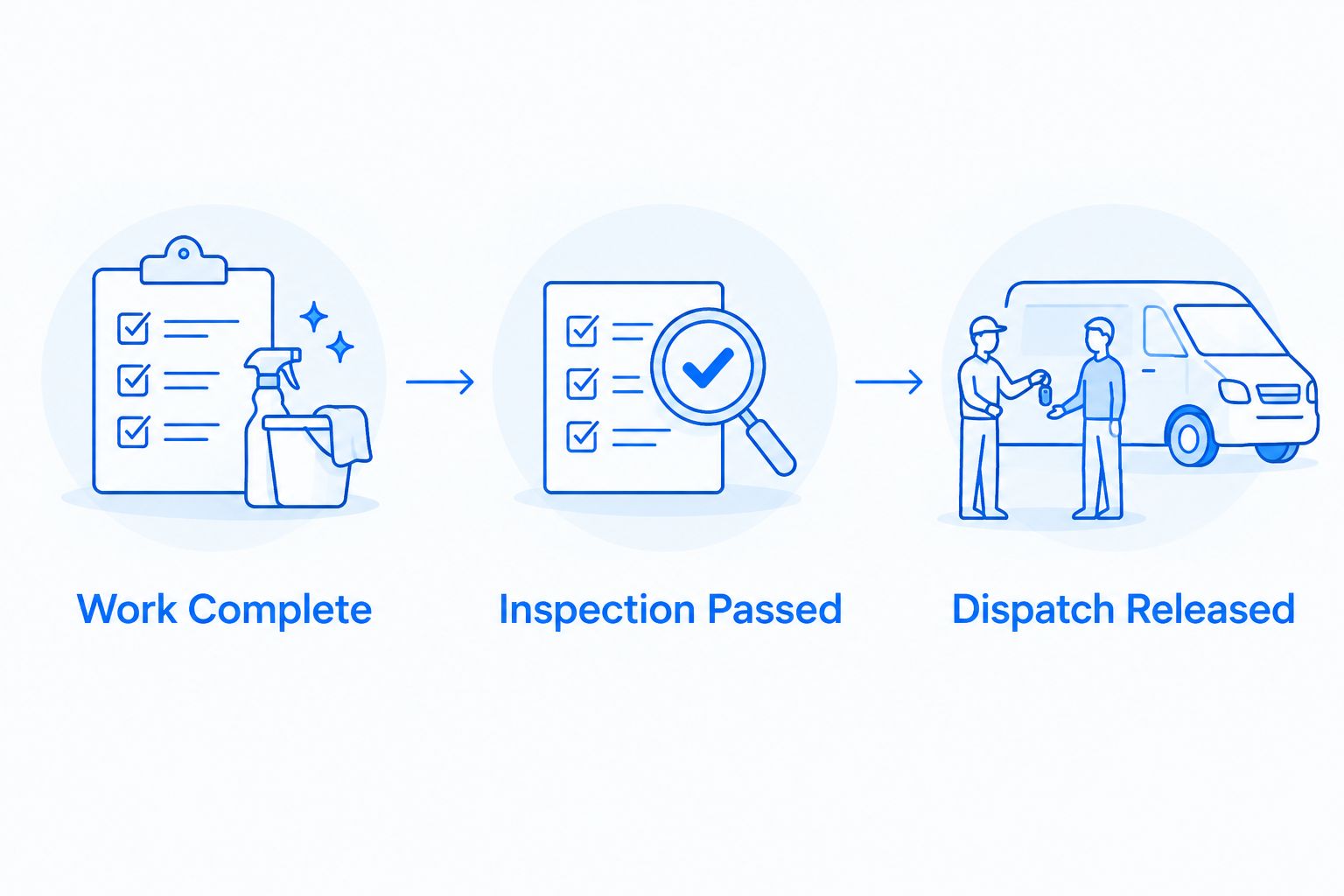
Create 3 release gates: Work Complete, Inspection Passed, and Dispatch Released. Each gate answers a different question, and the last one belongs to the person responsible for sending the vehicle out.
Configure the release controls
- Add the custom fields Work Complete, Inspection Passed, Dispatch Released, and Exception Reason. Keep them separate rather than combining everything into a single completed status.
- Require the cleaning owner to record completed work and unresolved issues before setting Work Complete. A task deadline passing must not mark the work complete.
- Give the inspector a checklist covering passenger seating, footwells, touchpoints, glass visibility, remaining odor, and wet areas. Check the vehicle itself rather than relying only on photos.
- Permit Inspection Passed only after that check. If upholstery remains damp, a stain needs further treatment, or an odor persists, record the issue in Exception Reason and return the task for attention.
- Require dispatch to review the inspection and upcoming reservation before setting Dispatch Released. Keep roadworthiness and required vehicle checks in your existing operating process; a cleaning inspection does not replace them.
Expected result: A vehicle remains on hold until completed work, inspection, and dispatch authorization are separately recorded.
For a 2026 checklist, use plain descriptions that anyone covering the shift can understand. Replace a vague instruction such as interior done with named areas and observable conditions. Photographs can document work, but they cannot establish whether a cabin smells clean or a seat feels dry.
Exception alerts and schedule changes
The workflow needs an exception route before the first busy shift. A late return, a changed pickup, or a spill should create a decision for dispatch—not silently compress the cleaning scope.
Configure exception handling
- Create a custom field named Dispatch Attention. Set it when the return is unconfirmed, the cleaning assignment is unaccepted, or inspection has not passed by your internally defined review point.
- Route the alert to a named dispatcher and include Vehicle ID, Next Pickup, and Exception Reason. Avoid sending a broad message that leaves everyone assuming someone else will act.
- Have dispatch choose the response: adjust the vehicle assignment, revise the service arrangement, or communicate the scheduling issue through your established customer process.
- Log the decision on the existing task. Close superseded assignments explicitly so a cleaner does not work from an outdated deadline.
Expected result: The team sees which vehicle needs intervention, why it is held, and who owns the next decision.
Before using the rule across your fleet, test it with 1 vehicle and 2 linked reservations. These are setup checks, not recommended fleet limits. Verify a normal return, a delayed return, a failed inspection, and a changed next pickup without using live passengers as the test.
Update the task whenever the next reservation changes
A second useful workflow updates an existing cleaning task when dispatch changes the limo's next assignment. This prevents a correct return-triggered task from becoming wrong later.
Use Vehicle ID to locate the vehicle's open cleaning task. When Next Pickup changes, recalculate Required Ready Time using the same operating allowance and notify Cleaning Owner of the revised deadline. Keep the original task reference so the update does not create duplicate work.
If the next reservation moves to another vehicle, remove the old reservation dependency from the first limo's task. Do not automatically cancel needed cleaning; the vehicle still returned with its recorded condition. Review its next use and set an appropriate maintenance window.
Best for: Operators whose dispatch assignments change during the day. The advantage is consistent task information; the limitation is that every relevant schedule change must reach the cleaning record.
For your 2026 review, test both triggers independently: actual return creates the task, and a changed reservation updates it. Neither trigger should bypass inspection or confirm an outside appointment.
Troubleshooting
Cleaning starts before the limo returns
The rule is using scheduled trip completion instead of confirmed return. Change the condition to Actual Return and require the cleaning location. If the chauffeur reports a delay, update dispatch rather than pretending the original cleaning window still exists.
Several cleaning tasks appear for one trip
The automation is treating each record edit as a new return. Check the unique reference built from Vehicle ID and Completed Reservation ID, and update the existing task when that reference matches. Merge duplicate instructions before work starts.
The cleaner has an outdated pickup deadline
The booking changed without updating the cleaning record. Connect schedule changes to the existing task and notify Cleaning Owner after the update. Have dispatch verify the vehicle identifier before changing deadlines across assignments.
The task is complete, but the cabin is not ready
Completion and passenger readiness have been combined. Restore separate Work Complete and Inspection Passed gates, document the unresolved condition, and hold release. Do not conceal damp upholstery or persistent odor with a status change.
A mobile detailing request has no confirmed owner
The workflow created a request, not an accepted appointment. Keep Service Confirmed unset until the arrangement is confirmed, and route the open request to dispatch. Resolve the schedule directly rather than assuming a notification secured service.
Customize your workflow
Start with a readable checklist and a responsible person before adding more rules. Once the basic process works, separate passenger resets, deeper interior work, and exterior care into different task scopes. Each should have its own approval requirements.
For daily-driver and premium-vehicle owners, the same principle applies: clean according to condition and schedule protection work separately. Convenience should simplify access to care, not hide the time or attention the work requires.
Discuss your 2026 fleet-care plan with Royal Touch Mobile Detailing LLC using concrete details: vehicle condition, cleaning location, next required use, and the work you want assessed. Keep service coordination separate from any assumption about software integration.
Plan your mobile detailing
Discuss vehicle condition, work location, and the detailing scope before adding service to your dispatch schedule.
FAQ
Can I automatically detail a limo between reservations?
You can automate the cleaning assignment and status updates, but people still perform and inspect the detailing. Use a confirmed vehicle return to create the task and require dispatch approval before release.
What should trigger limo detailing between reservations?
A confirmed actual return should trigger limo detailing between reservations. A scheduled trip end does not establish that the vehicle is at the cleaning location.
Does Royal Touch Mobile Detailing LLC connect to my booking software?
Treat booking-software integration as a separate requirement from Royal Touch Mobile Detailing LLC's mobile detailing services. Build internal task coordination using your system's supported features and confirm service arrangements directly.
How much time should I leave between limo bookings for detailing?
Set the gap from the agreed cleaning scope, vehicle condition, inspection needs, and travel requirements. Do not use a universal duration or schedule a full detail as though it were a routine passenger reset.
Should the limo be released when the cleaner finishes?
No; release the limo after inspection and dispatch authorization, not just cleaning completion. Keep unresolved odor, damp upholstery, or unfinished work recorded as an exception.
What happens if the next reservation changes?
Update the existing cleaning task's deadline and notify its owner. If the booking moves to another vehicle, review the original vehicle's cleaning needs instead of automatically canceling the task.
Is ceramic coating a replacement for cleaning between passengers?
No; ceramic coating does not replace passenger-area cleaning and inspection. Discuss exterior protection as planned vehicle care outside the immediate turnaround workflow.
One last thing
The most useful automation can be the one that refuses to mark a limo ready. A task created instantly is helpful; a clearly recorded hold is what tells dispatch not to send an unfinished vehicle to the next passenger.
Keep that refusal visible. A responsible person should be able to identify the unresolved condition and the next action without searching through messages.